

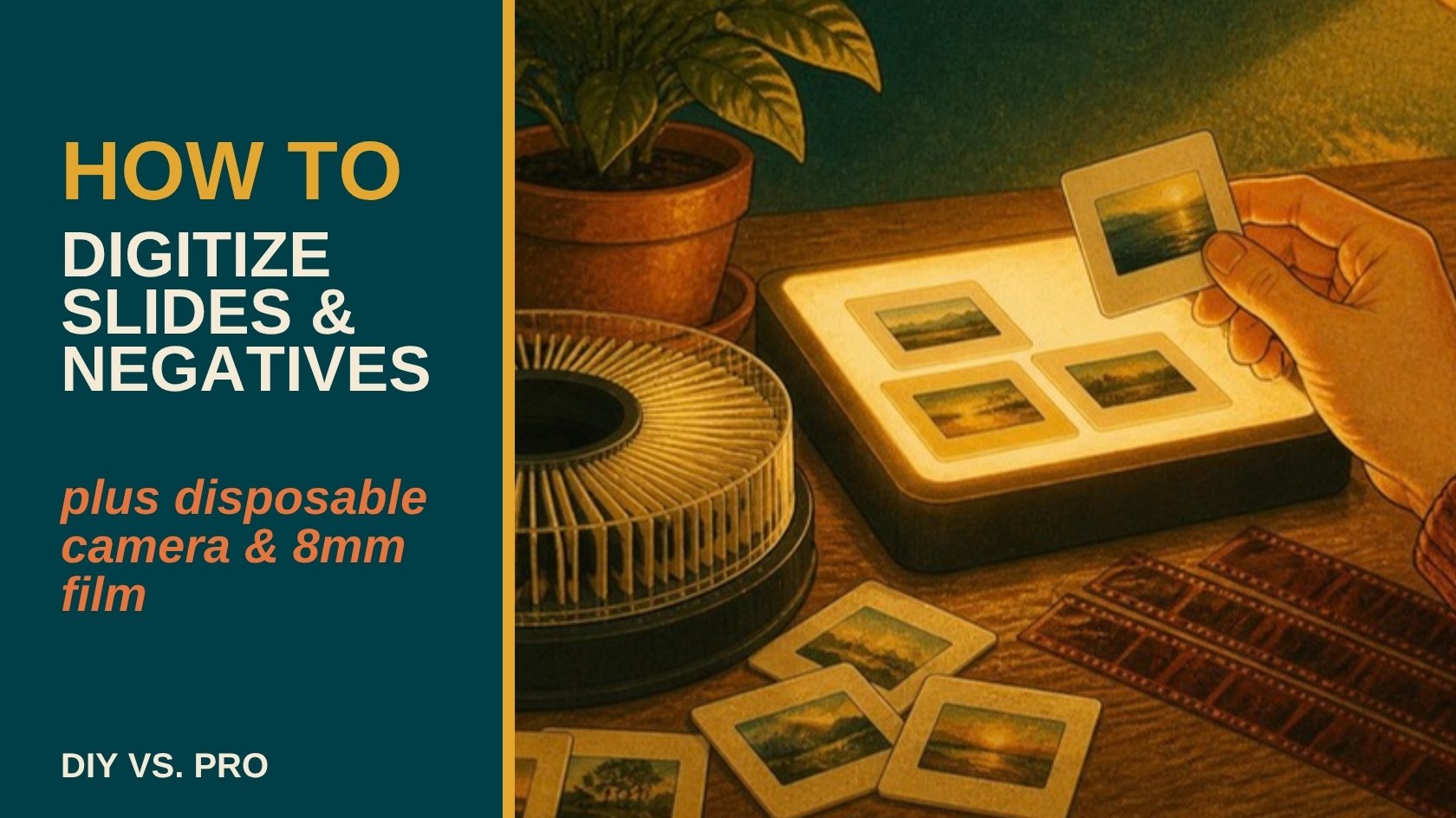
VHS tapes and cassettes get most of the attention, but they're rarely the only thing in the box. Slide carousels, strips of negatives, a disposable camera someone never got around to developing, these formats need their own equipment and their own approach, and most "how to digitize your old media" guides skip them entirely.
The fastest way to digitize slides and negatives at home is a dedicated film scanner, which captures far more detail than a flatbed scanner or a phone camera ever will, while disposable camera film needs to be developed at a photo lab before it can be scanned at all. A basic film scanner runs $80 to $200 and works fine for a modest collection in good condition. For large collections, faded or damaged originals, or anything you can't risk getting wrong, a professional scanning service uses equipment most households will never own.
How to Digitize 35mm Slides
A 35mm slide is a positive image on transparent film, mounted in a small cardboard or plastic frame, usually stored in a carousel or slide tray. Flatbed scanners can technically pick up a slide, but the results are soft and low-detail because flatbeds are built to scan reflected light off paper, not transmitted light through film. A dedicated slide scanner (or a flatbed with a transparency adapter) shines light through the slide instead, which is what actually captures the image properly.
- Sort slides out of their carousel or tray and check for mold, warping, or stuck-together pairs before scanning.
- Load slides into the scanner's feed tray or holder, following the manufacturer's orientation guide, slides are easy to load backwards or upside down.
- Scan at the highest resolution the device supports for anything you plan to reprint or enlarge, a lower resolution is fine for screen viewing only.
- Save the resulting files as TIFF for an archival master, then export smaller JPEGs for sharing.
- Batch-rename files with dates or event names as you go, a slide labeled "IMG_0047" six months from now tells you nothing.
A slide carousel with 100 slides takes a full afternoon to scan properly at home, and that's before any of them need dust removal or color correction. Get a free quote if a weekend project sounds like more than you want to take on.
How to Digitize Negatives
Negatives work on the same transmitted-light principle as slides, but they're stored as long strips rather than individual mounted frames, and the image is inverted (light areas are dark and colors are reversed) until it's processed back into a positive. A film scanner built for negatives handles that inversion automatically. Without one, a flatbed with a negative adapter and photo-editing software to manually invert the colors is the fallback, but the color accuracy is noticeably worse.
Handle negative strips by the edges only, oils from fingertips show up permanently on the scanned image, and store them in archival plastic sleeves rather than loose in an envelope, the friction of negatives rubbing against each other causes fine scratches over time.
How to Get Disposable Camera Film Developed and Digitized
This one's different from the other three: an undeveloped disposable camera has to go through a photo lab before anything can be scanned, there's no home-digitizing shortcut for undeveloped film. Most drugstores no longer process film in-house, so mail-in labs (or a local camera shop, if your area still has one) are usually the fastest route. Ask specifically for a "develop and scan" service, some labs still only offer prints unless you request digital files directly.
Once your disposable camera film has been developed, Porthos Media can scan the negatives alongside your slides, prints and home movies, based in the Okanagan, working with families and estates across BC. Get a free quote and we'll give you an honest read on what it'll take to get it all digitized.
How to Digitize 8mm Film and MiniDV Tapes
8mm and Super 8 are small reels of actual movie film, the predecessor to camcorder tape, common in home movies shot before the mid-1980s. MiniDV is the opposite end of that timeline, a small digital tape cassette used in camcorders through the 2000s. Both need dedicated playback equipment most people no longer own, an 8mm projector rigged to a capture device for film reels, or a working MiniDV camcorder with a FireWire or USB connection for tape.
8mm film reels are also physically fragile in a way tape isn't, splices can fail, film can become brittle, and a jam partway through a reel risks tearing it. This is one of the more common cases where a DIY attempt does real, irreversible damage rather than just producing a mediocre result.
DIY vs. Professional: When It's Worth Paying Someone
DIY makes sense for a handful of slides or negatives in good condition, scanned on equipment built for the format. It gets impractical fast past a couple hundred slides purely on time, and it's genuinely risky for 8mm film reels, disposable camera film (which needs a lab regardless), or anything already showing mold, warping, or brittleness.
What Resolution and File Format Should You Save These In?
Scan at the highest resolution your equipment supports for anything you might reprint or enlarge later, going back and rescanning a box of slides a second time is not a mistake most people want to repeat. Save an uncompressed TIFF as your archival master, then export smaller JPEGs for everyday sharing and screen viewing. Keep the TIFF masters backed up in at least two places, the same rule that applies to digitized VHS and cassette audio applies here too.
Whether it's a carousel of slides, a drawer of negatives, or a reel of 8mm film that hasn't touched a projector in 40 years, Porthos Media scans it properly the first time. Get a free quote for an honest read on what you've got.
Common Questions About Digitizing Slides, Negatives, and Old Film
How much does it cost to digitize slides and negatives in Canada?
Professional slide and negative scanning in Canada is typically priced per slide or per foot of negative strip, with cost depending on resolution, volume, and condition. Get a free quote from Porthos Media for an exact price on a specific collection.
Can I still get disposable camera film developed?
Yes, though fewer drugstores process film in-house than a decade ago. Mail-in photo labs and local camera shops (where they still exist) remain reliable options, and most can develop and scan to digital files in the same order.
What's the difference between a slide and a negative?
A slide is a positive, ready-to-view transparent image, usually mounted in a small frame. A negative is an inverted image on a film strip, colors and tones reversed, that needs to be processed (or scanned with inversion software) before it looks like a normal photo.
Is it worth digitizing 8mm home movies if I don't have a projector?
Yes, in fact not having a working projector is exactly the situation professional digitizing solves, a transfer service already has the equipment to play and capture film reels without one.
How do I know if my slides or negatives are damaged?
Warping, a musty smell, visible spotting, or frames stuck together are the common signs. Damaged originals are handled carefully rather than scanned as-is, since forcing a stuck or warped slide through a scanner risks losing the image entirely.
Ready to Get the Whole Box Digitized?
Slides, negatives, developed film from disposable cameras, 8mm reels, MiniDV tapes, if it's been sitting in a drawer or a closet for decades, Porthos Media can scan and transfer it properly. Based in the Okanagan, working with families and estates across BC. Get a free quote, no pressure, just an honest read on what you've got and what it'll take to save it. Once it's all digital, here's how to preserve your family photo archive so it lasts.
AROUND THE TABLE
Join the conversation.