

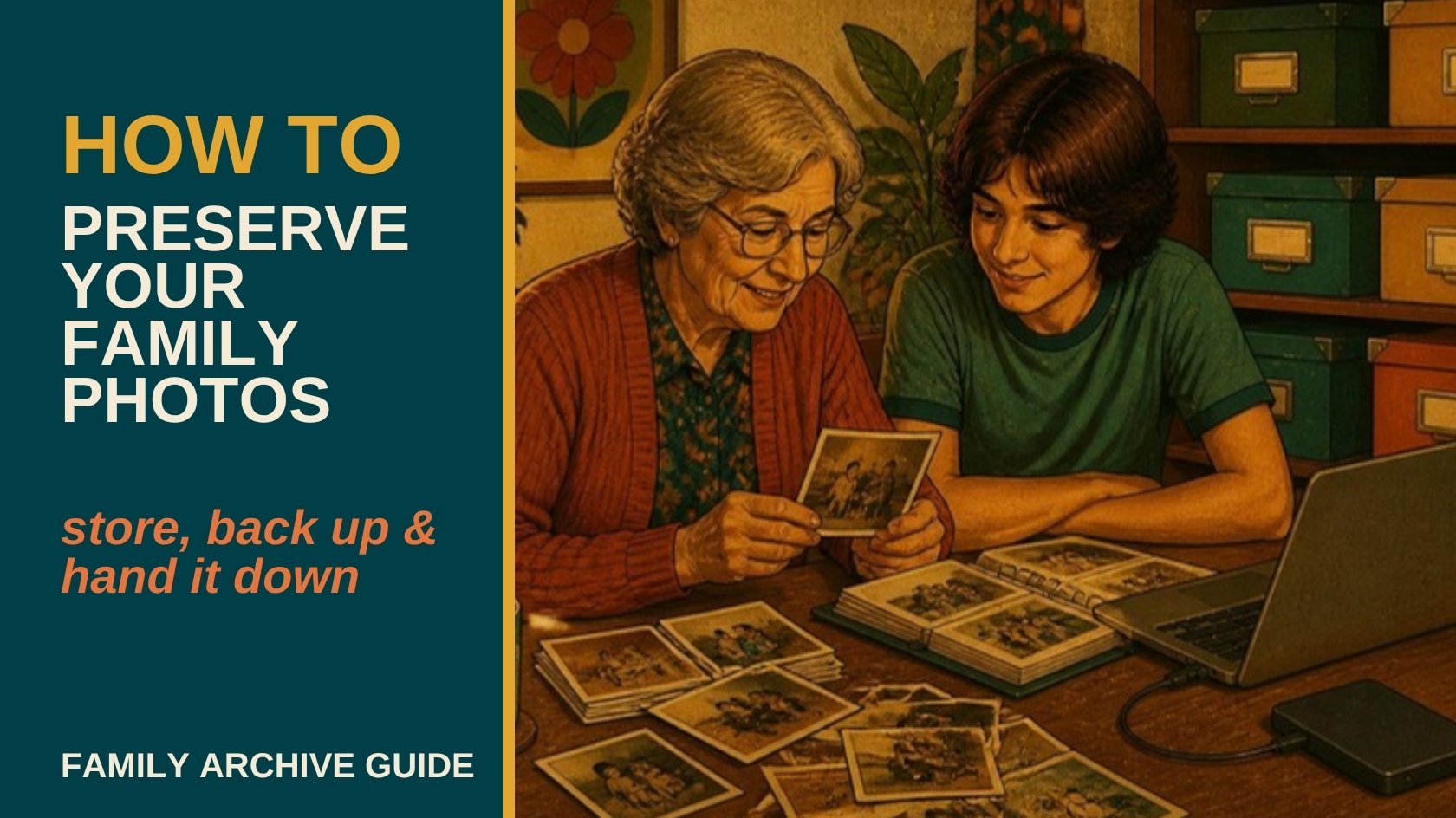
Digitizing old photos solves half the problem. The other half is making sure those files, and the physical originals, actually survive the next 20 or 50 years instead of quietly degrading in a drawer or disappearing when a hard drive fails.
Preserving a family photo archive means three things done consistently: storing physical originals in stable, archival conditions, backing up digital copies in at least three places including one offsite, and labeling everything well enough that people who weren't there still know what they're looking at. None of the three is difficult on its own, the hard part is actually finishing all three instead of stopping after the digitizing.
Storing Physical Originals the Right Way
Heat, humidity, and direct light are what actually destroy old photos, not time by itself. A stable room temperature, moderate humidity, and storage away from direct sunlight or a damp basement will outlast almost any fancy archival product used in the wrong environment. Acid-free photo boxes and sleeves are worth the small extra cost over a regular cardboard box or a magnetic-page album, the acid in cheap paper and adhesive is what causes yellowing and brittleness over decades.
The 3-2-1 Backup Rule for Digital Photos
Keep 3 total copies of your digitized photos, on 2 different types of storage, with 1 copy stored somewhere offsite. In practice, that usually looks like: the original files on your computer, a second copy on an external hard drive, and a third copy in cloud storage or a drive kept at a different physical location. A house fire, flood, or theft can take out everything stored in one place at once, offsite is the part people skip and the part that actually matters.
Digitizing is only step one, we can also help set up a backup system that actually holds up, not just hand back a USB drive and call it done. Get a free quote to talk through what a real archive setup looks like for your collection.
Labeling and Metadata: Why It Matters More Than People Think
A digitized photo with no names, dates, or locations attached is a puzzle for whoever inherits it. File names like "IMG_4471.jpg" tell a future relative nothing. Renaming files with a consistent pattern (year, event, names, in that order) and adding captions wherever possible turns a folder of images into an actual family record instead of a mystery. If older relatives can still identify people in photos, that's a narrow and closing window, once that knowledge is gone, it's usually gone for good.
Organizing an Archive So People Can Actually Use It
A flat folder of 3,000 unsorted images is technically "digitized" but practically unusable. Organizing by decade, then by event or family branch within each decade, makes an archive something people will actually browse instead of avoid. A simple, consistent folder structure matters more than any fancy software, the goal is that someone with no technical background can still find what they're looking for in a few clicks.
Museum and community archive organizations trust us with the same principles we use for family collections, consistent structure, real metadata, and backups that hold up. Get a free quote if you want that same approach applied to your own family's history.
Passing an Archive Down to the Next Generation
A well-organized archive is only useful if someone besides you knows it exists and can access it. Share cloud storage access with at least one other family member, not just yourself, and write a short note explaining the folder structure and where backups live. Archives that exist only in one person's head, or on one person's single laptop, tend to disappear the moment that person isn't around to maintain them.
What to Do With the Physical Originals After Digitizing
Digitizing doesn't mean the originals have to go. Many families keep the physical photos in archival storage as a backup to the backup, while others pass individual prints to different relatives once digital copies exist for everyone. Either approach works, what matters is deciding on purpose rather than letting boxes pile up by default.
If the digitizing part still hasn't happened, that's the actual first step, everything above assumes photos are already in digital form. Get a free quote and we'll help you get there first.
Common Questions About Preserving a Family Photo Archive
What's the best way to store old family photos long-term?
A stable temperature, moderate humidity, and storage away from direct sunlight matter more than any specific product, though acid-free boxes and sleeves are a worthwhile upgrade over regular cardboard or magnetic-page albums.
How many backup copies should digitized photos have?
Three total copies, on two different types of storage, with at least one stored offsite, is the standard rule (known as 3-2-1 backup) and protects against the most common failure points: a single drive dying or a single location being damaged.
Should I keep the physical photos after digitizing them?
That's a personal choice. Some families keep originals as a backup to the digital backup, others pass individual prints to relatives once everyone has digital copies. Both are reasonable as long as it's a decision rather than an accident.
How should I organize thousands of digitized family photos?
By decade, then by event or family branch within each decade, with consistent file naming, works better for most families than any specialized software. The goal is that someone with no technical background can still find what they're looking for.
What happens to a family archive if only one person manages it?
It's at real risk of disappearing. Sharing access with at least one other family member, along with a short explanation of how everything is organized, is what actually makes an archive survive past one person's involvement.
Ready to Build an Archive That Actually Lasts?
Digitizing is the first step, but preserving, organizing, and backing everything up properly is what makes it last. Porthos Media helps families and estates across the Okanagan and BC do both. Get a free quote, and we'll help you build something the next generation can actually use.
AROUND THE TABLE
Join the conversation.