

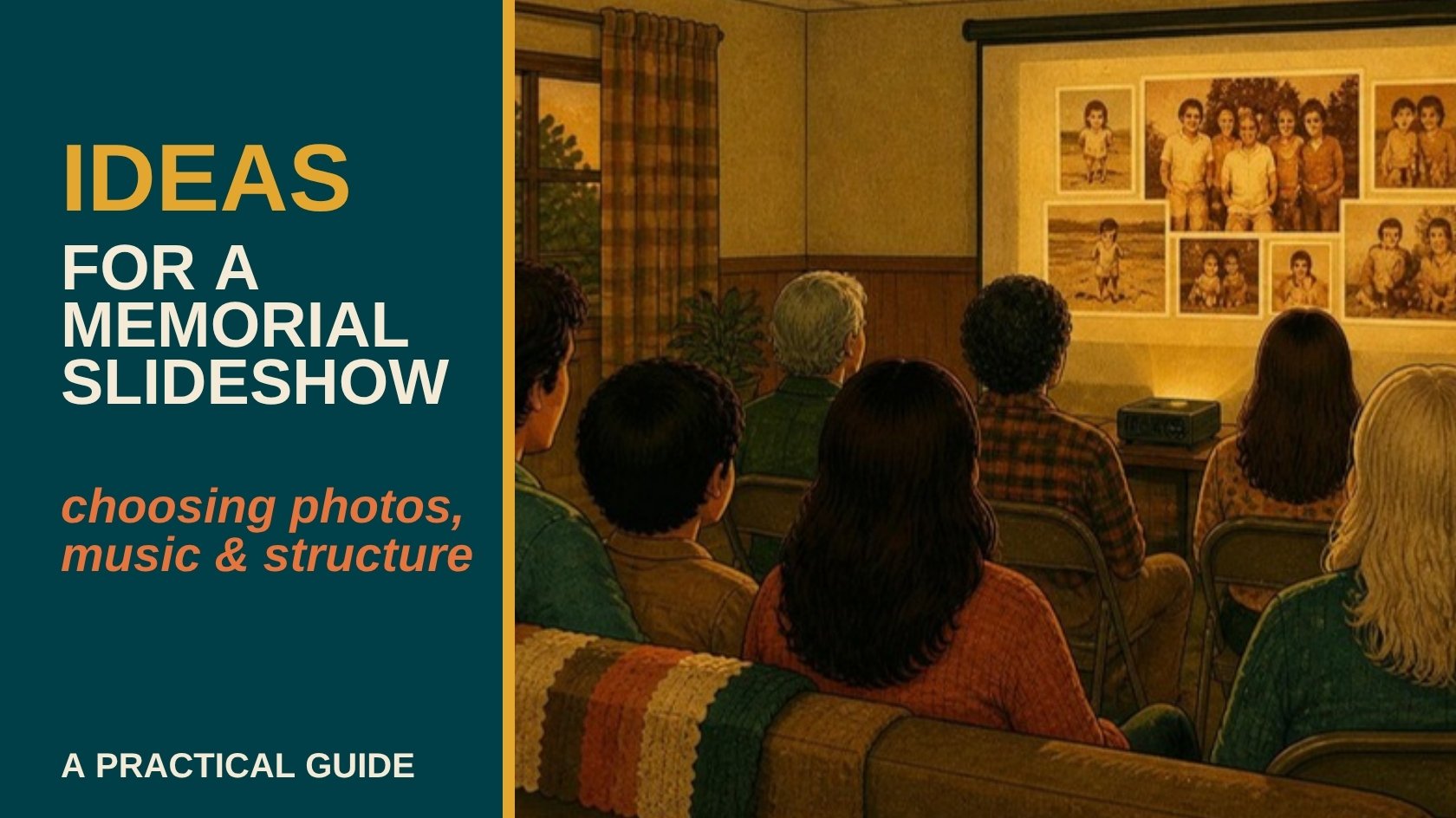
A slideshow is often the first thing people actually watch together at a funeral or celebration of life, and for a lot of guests it's the moment that turns "a service" into "a life." Putting one together well doesn't take professional skills, it takes a clear structure and a little restraint.
A meaningful memorial slideshow tells a life in roughly chronological order, uses 40 to 80 photos so no one moment gets lost in a crowd of images, and pairs them with music that suits the person rather than generic funeral music. Anywhere from 5 to 12 minutes is the usual length, long enough to feel complete, short enough that it doesn't become the whole service.
Start With a Structure, Not Just a Photo Pile
Most slideshows work best moving roughly chronologically: childhood, family, milestones, the years people in the room actually knew them. That order gives guests an emotional arc instead of a random scroll, and it makes the selection process itself easier, you're filling a timeline instead of guessing which photos "feel right."
How Many Photos to Use
Somewhere between 40 and 80 photos is the sweet spot for most services. Fewer than that and important years get skipped, more than that and each photo gets so little screen time it stops registering. If you're struggling to cut down a much bigger pile, favor photos that show the person's expression clearly over group shots where they're one face among many.
Sorting through decades of photos while grieving is genuinely hard, and it's exactly the kind of project Porthos Media helps families put together on a tight timeline. Get a free quote if you'd rather hand this piece off.
Choosing Music That Fits
Skip the generic "funeral music" playlist if it doesn't actually match the person. A favorite artist, a song from their wedding, something they played constantly in the car, music the person would have chosen for themselves almost always lands better than something solemn but disconnected from who they were. Two or three songs is usually enough for a 5 to 12 minute slideshow, longer than that and the music starts repeating or looping awkwardly.
Common Mistakes to Avoid
Too many photos crammed in at a fast pace reads as rushed rather than thoughtful, give each photo at least 3 to 4 seconds before it advances. Skipping the person's later years in favor of only childhood and young-adult photos is a common and often unintentional oversight, guests who knew them recently want to see that person too. And low-resolution photos stretched to fill a screen look noticeably blurry, a scanned or digitized photo at proper resolution avoids that problem entirely.
Format and Where It Gets Shown
Most venues can play a slideshow from a USB drive or a laptop connected to a projector or screen, confirm which one the venue needs ahead of time rather than the day of. A finished video file (MP4 is the safest universal format) is more reliable than a folder of individual images set to auto-advance, since it removes any risk of timing or transition settings resetting on unfamiliar equipment.
If your photos are still in albums, on old phones, or scattered across devices, Porthos Media digitizes and edits them into a finished slideshow ready to play at the service, based in the Okanagan, working with families and estates across BC. Get a free quote for an honest timeline on what's possible before the date you need it.
Common Questions About Memorial Slideshows
How long should a funeral or memorial slideshow be?
Most memorial slideshows run 5 to 12 minutes, long enough to cover a life without becoming the whole service. Venues with a tighter program sometimes ask for shorter.
How many photos should be in a memorial slideshow?
Somewhere between 40 and 80 photos usually works best, enough to represent different years and relationships without any single photo losing its impact in a crowd of images.
What music works best for a memorial slideshow?
Music the person actually loved, a favorite artist, a meaningful song, something tied to a specific memory, generally lands better with guests than generic instrumental funeral music.
Can old or damaged photos still be used in a slideshow?
Yes. Faded, damaged, or low-resolution originals can usually be improved enough for slideshow use, though a professional scan produces a noticeably cleaner result than a phone photo of a photo.
How far in advance should a memorial slideshow be put together?
As soon as possible after a death is confirmed, since most services are scheduled within a week or two and gathering, selecting, and editing photos takes real time, especially while also handling everything else a funeral requires. If you're also writing the obituary, our step-by-step obituary guide can help.
Building Something Worth Watching
A good memorial slideshow isn't about technical polish, it's about giving people a few quiet minutes to see a life in full. Porthos Media puts these together for families across the Okanagan and BC, often on short notice. Get a free quote, and we'll walk you through what's realistic before your service date.
AROUND THE TABLE
Join the conversation.